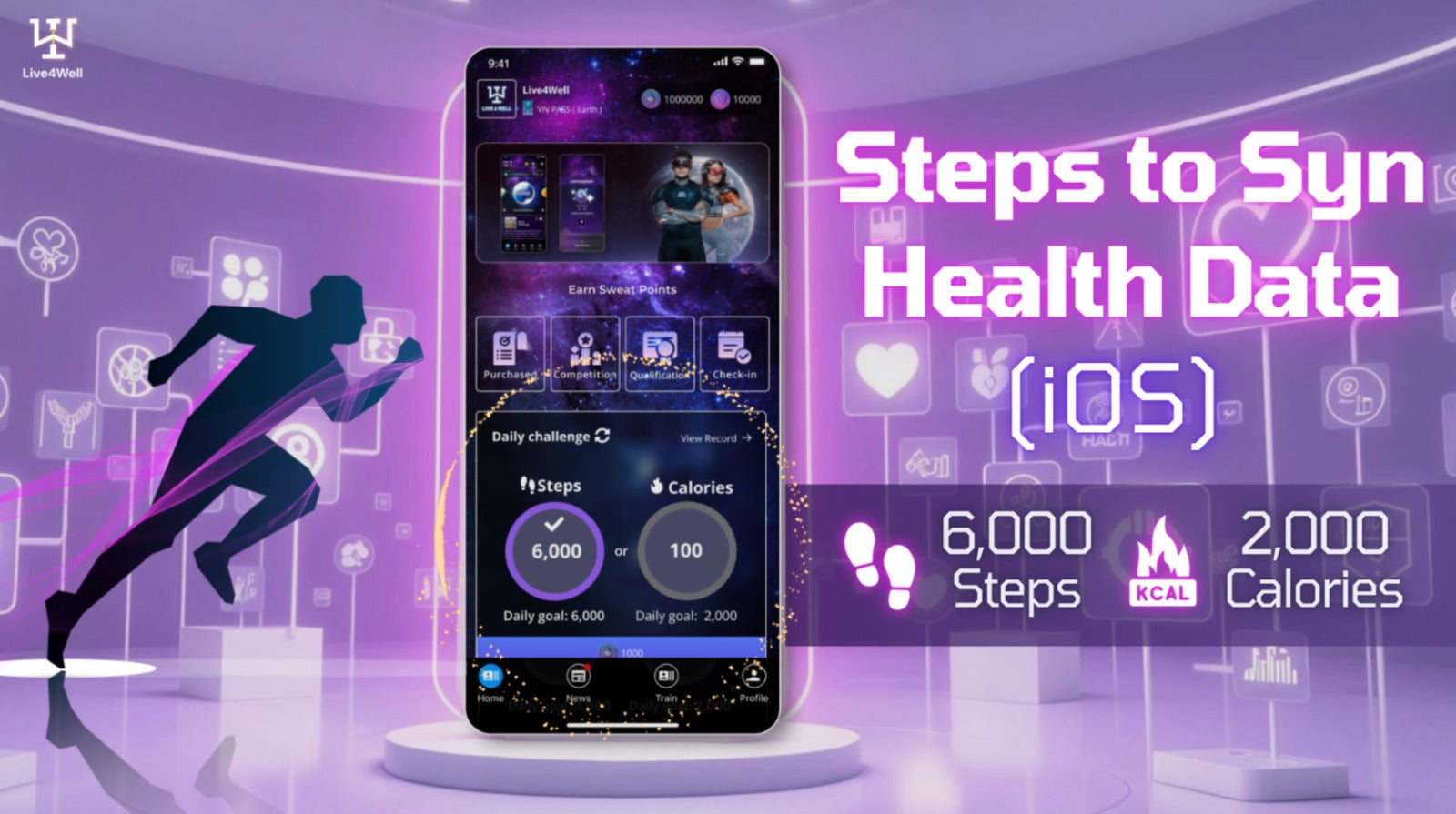
Tutorial of enabling the Health Data permission (iOS)
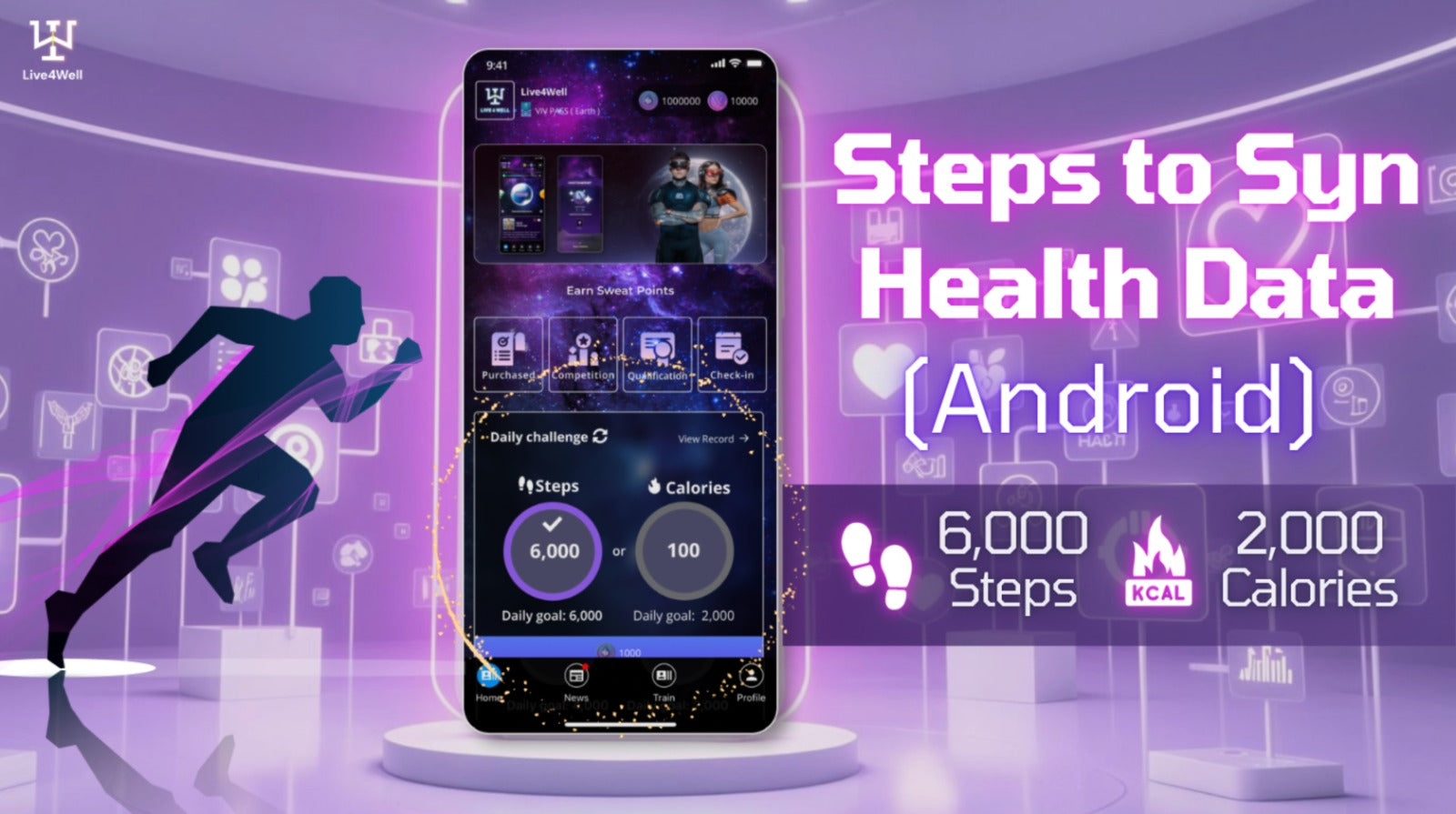
Steps to Syn Health Data - Android📲
1️⃣ Click “Permissions” in “Live4Well” App info page
2️⃣ Click “Health Connect”
3️⃣ Click “Allow All”
4️⃣ Health data will be updated every time you log in to the Live4Well App
⏮️ Check out the Andriod version tutorial
-
Download Live4Well App
1️⃣ Click “Permissions” in “Live4Well” App info page
2️⃣ Click “Health Connect”
3️⃣ Click “Allow All”
4️⃣ Health data will be updated every time you log in to the Live4Well App
⏮️ Check out the Andriod version tutorial
-
Download Live4Well App
Related
Tutorial of enabling the Health Data permission (iOS)
Steps to Syn Health Data - Android📲1️⃣ Click “Permissions” in “Live4Well” App info page2️⃣ Click “Health Connect”3️⃣ Click “Allow All”4️⃣ Health data will be updated every time you log in...
Tutorial of enabling the Health Data permission (Android)
Steps to Syn Health Data - Android📲1️⃣ Click “Permissions” in “Live4Well” App info page2️⃣ Click “Health Connect”3️⃣ Click “Allow All”4️⃣ Health data will be updated every time you log in...
Step to download and register LIVE4WELL App
EN 繁 Ever imagined that your sweat could be rewarded? 💧🎁 LIVE4WELL is an Incentivising Wellness AI & Sports Membership Platform that provides an unparalleled experience. With our VIV Pass,...
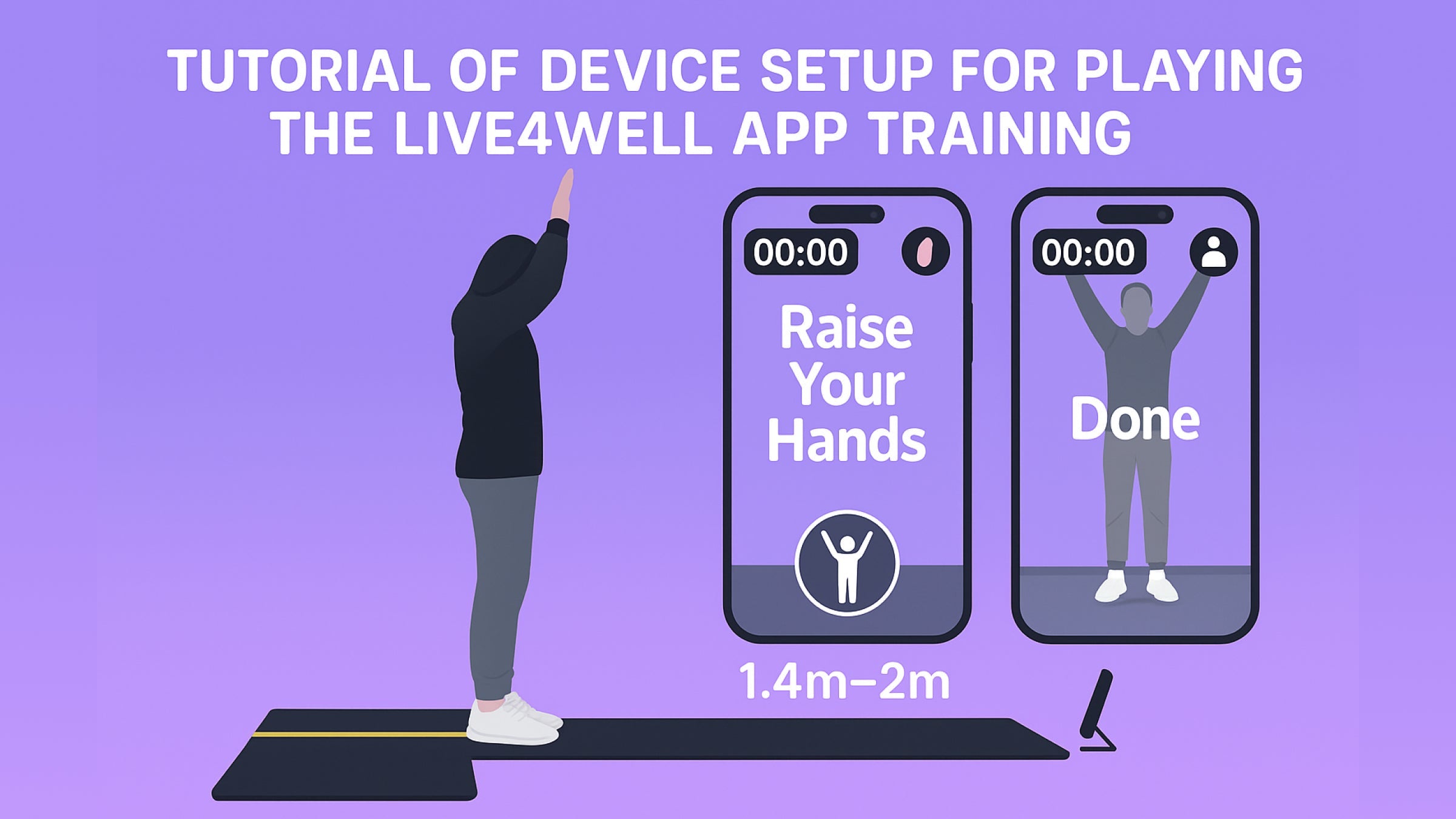
Tutorial of device setup for app playing
For the app playing device setup, different configurations are recommended for vertical and horizontal levels. For Planet 1 and Planet 3, place the device on the ground ..
Recommended minimum device spec
The Live4Well application is compatible with various devices and operating systems. For iOS users, it requires iOS 12 and is available on the iPhone ..
Tutorial of Backup Secret Phrase
Your secret phrase or the secret phrase backup password is the key to login back to your Live4Well account while signed out, reinstall and application updates.
- Please do save down your Secret Phrase properly in offline, and don’t share to anyone. It’s your wealth.
*** For security reasons, we do not store any user's secret phrase, so if you forget it, it is unable to recover. We recommend to backup your secret phrase and create the backup password.
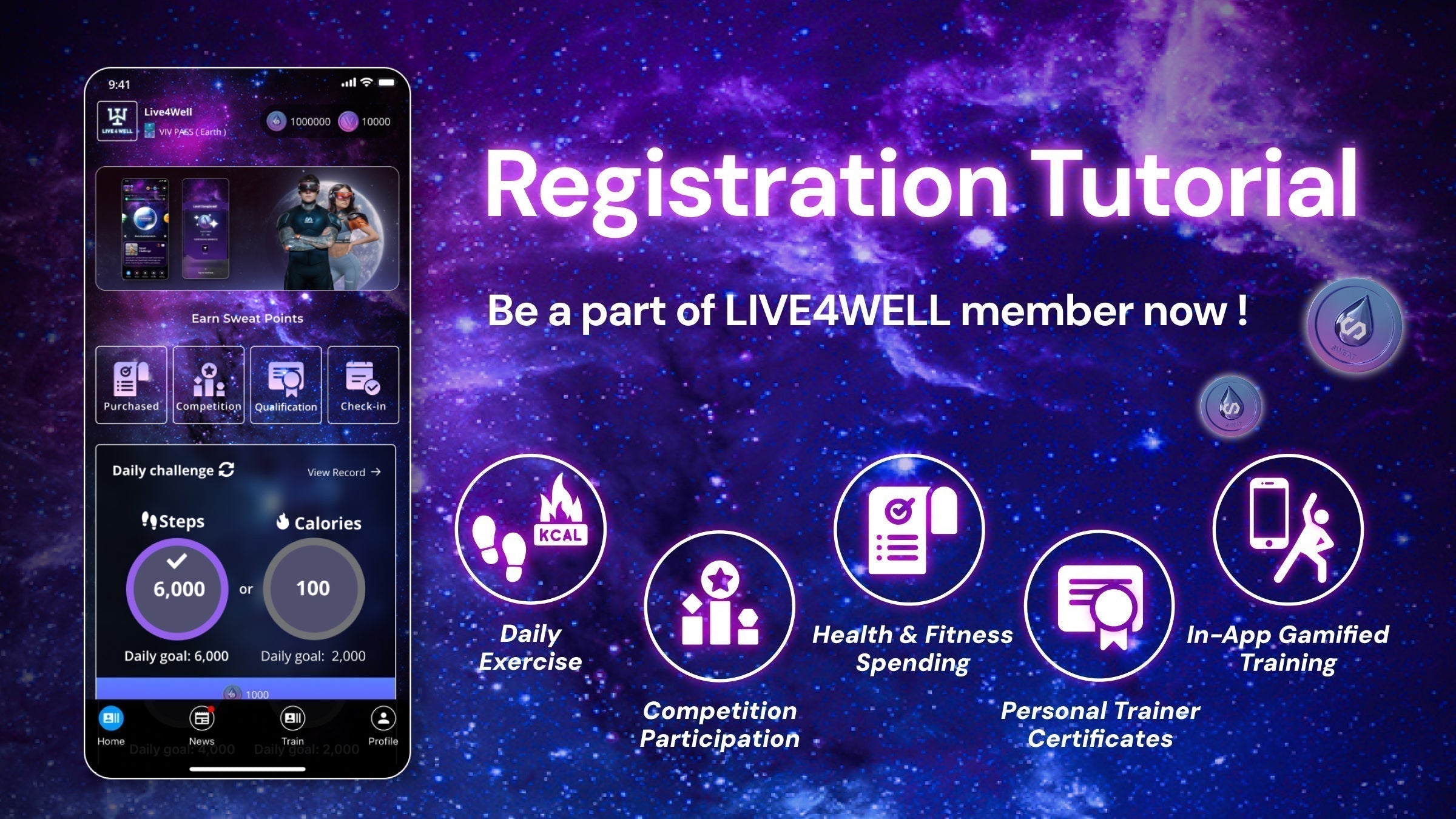
Registration Tutorial
To complete your email registration, ensure that you open the link in the email on the same mobile phone used for registration, as this is necessary to activate your account.