註冊教學課程
電子郵件註冊的一般流程:
* 您需要在同一部手機上開啟郵件中的連結才能啟動。
google帳號或apple帳號註冊流程:
* 如果您使用的是三星、華為或其他安卓手機,註冊Google帳號可能無反應,因為可能需要在手機設定中將Google信箱綁定到您的三星或華為帳號。
有關的
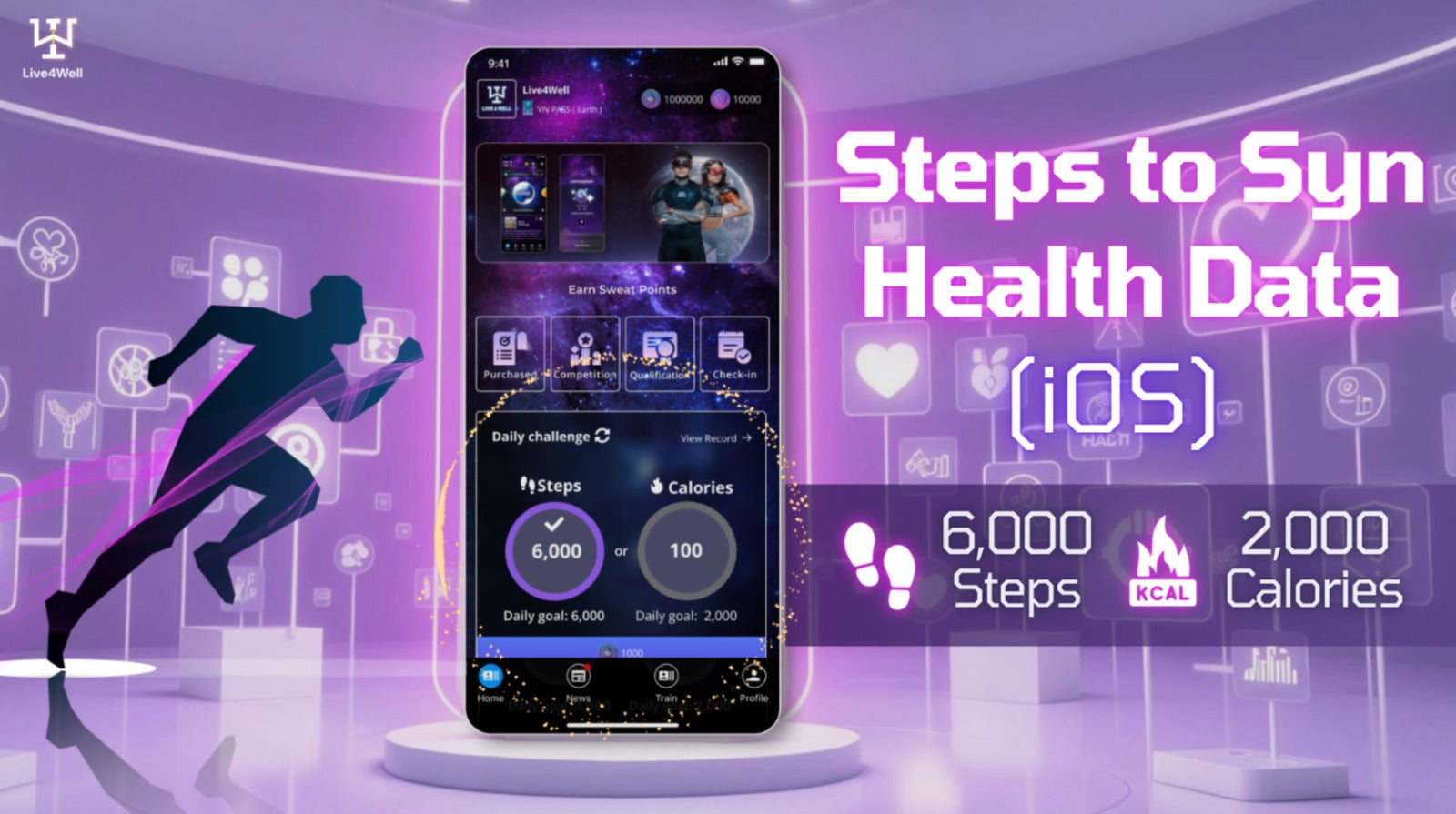
啟用健康數據權限的教學(iOS)
同步健康數據的步驟 - Android📲 1️⃣ 在“Live4Well” App 資訊頁面點擊“權限” 2️⃣ 點選“健康連線” 3️⃣ 點擊“全部允許” 4️⃣ 每次登入 Live4Well App 時,健康資料都會更新 ⏮️ 查看Andriod 版本教程-下載 Live4Well 應用程式
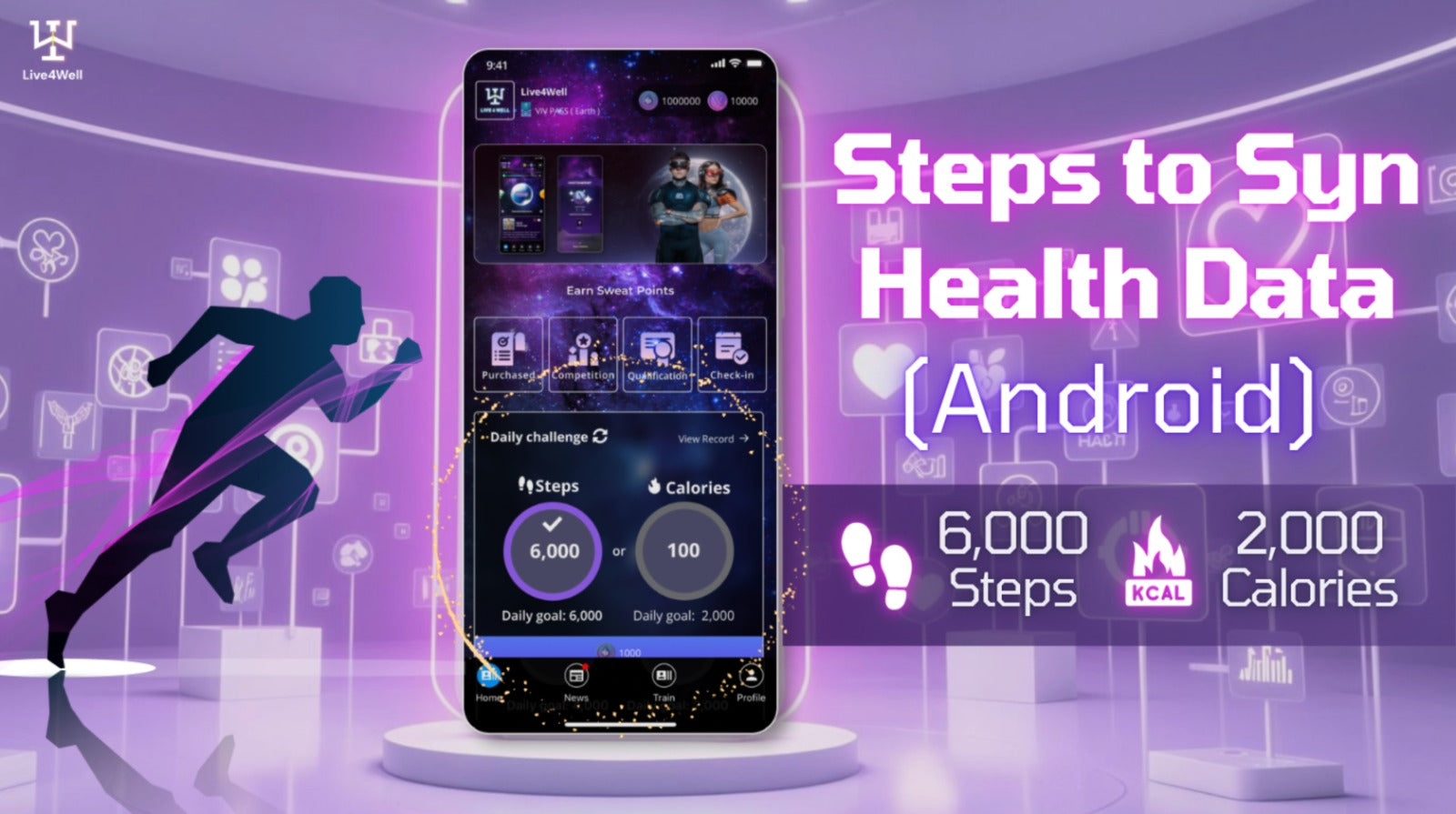
啟用健康數據權限的教學課程(Android)
同步健康數據的步驟 - Android📲 1️⃣ 在“Live4Well” App 資訊頁面點擊“權限” 2️⃣ 點選“健康連線” 3️⃣ 點擊“全部允許” 4️⃣ 每次登入 Live4Well App 時,健康資料都會更新⏮️ 看iOS 版本教程-下載 Live4Well 應用程式
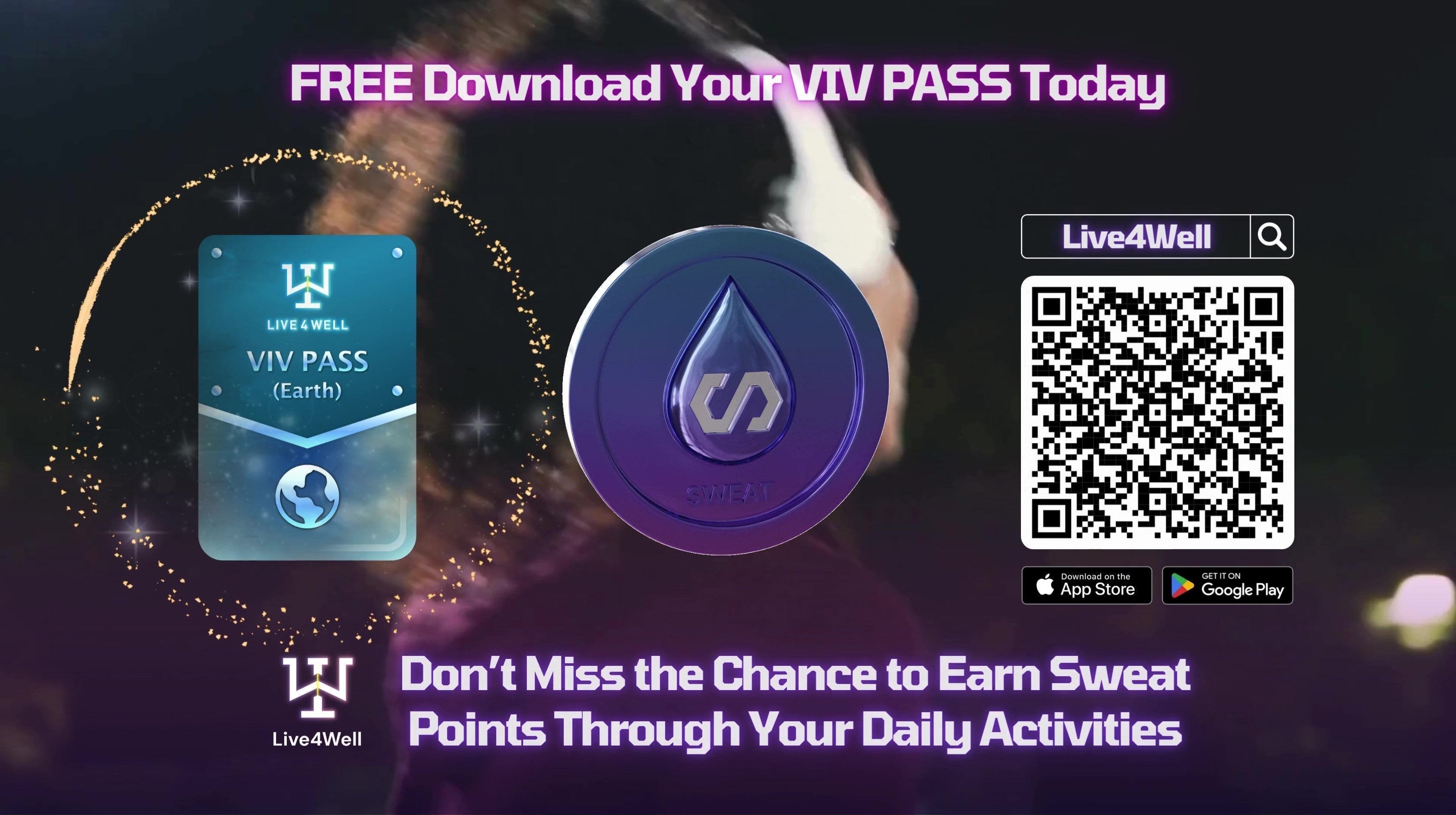
下載並註冊 Live4Well App 的步驟
有沒有想過,你的汗水也能得到回報? 💧🎁 Live4Well 是一個激勵健康 AI 和運動會員平台,提供無與倫比的體驗。使用我們的 VIV Pass,您可以在日常運動健康之旅中創造運動收入🏃🏋🏽🧘 你可以流汗並賺取我們的汗水積分,這些積分可以兌換運動服、購物券、補充品、健身房通行證、健身配件等獎勵🤩
以下是註冊教學:
🔸郵箱驗證
🔸基本個人訊息
🔸啟動你的Sportive錢包
在 Live4Well 應用程式中獲取免費 VIV Pass,開始 SWEAT AND EARN📲
下載 Live4Well 應用程式
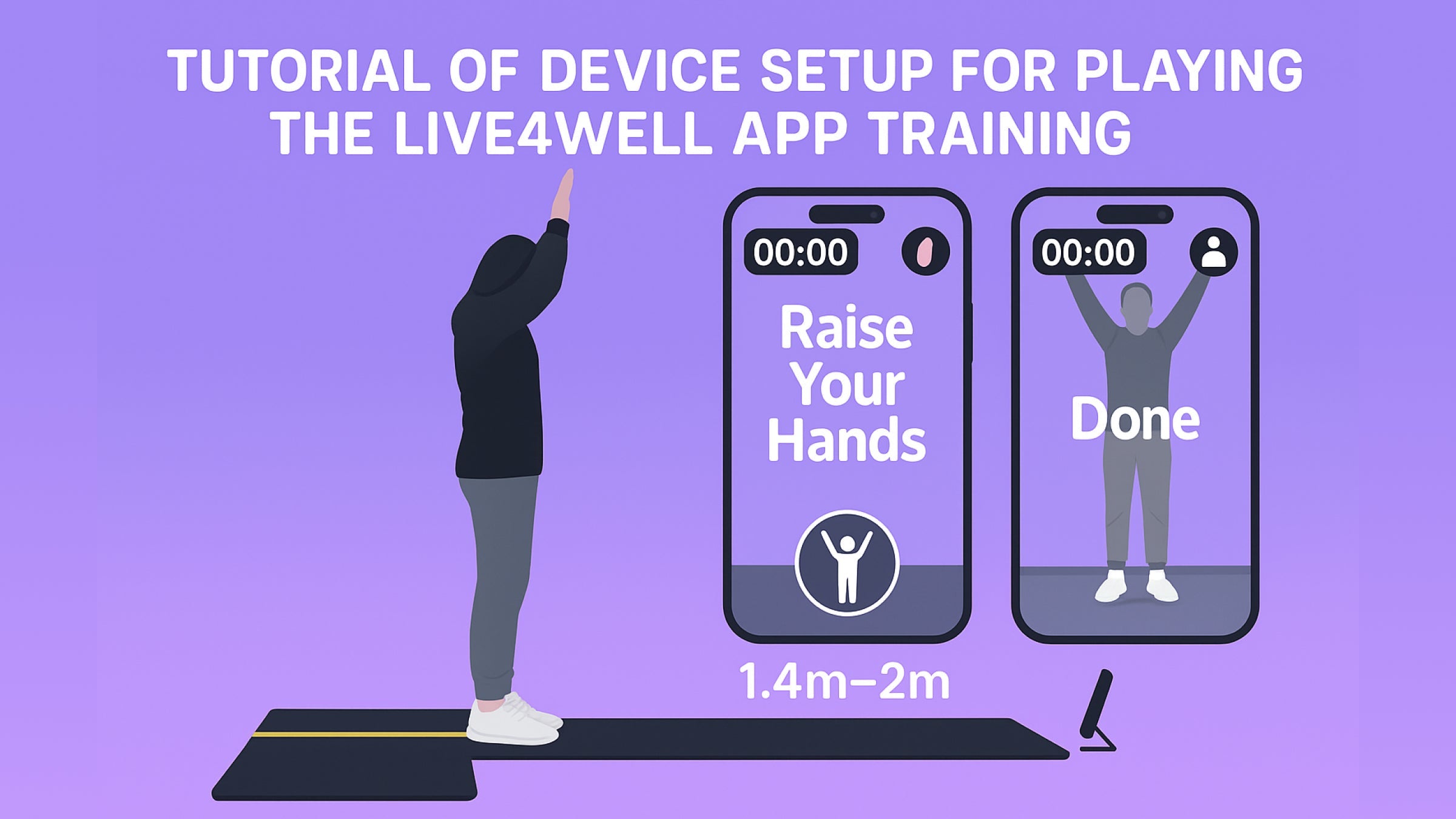
應用程式播放設備設定教學
對於應用播放設備的設置,建議針對垂直和水平方向採用不同的配置。對於星球 1 和星球 3,請將設備放置在地面上。
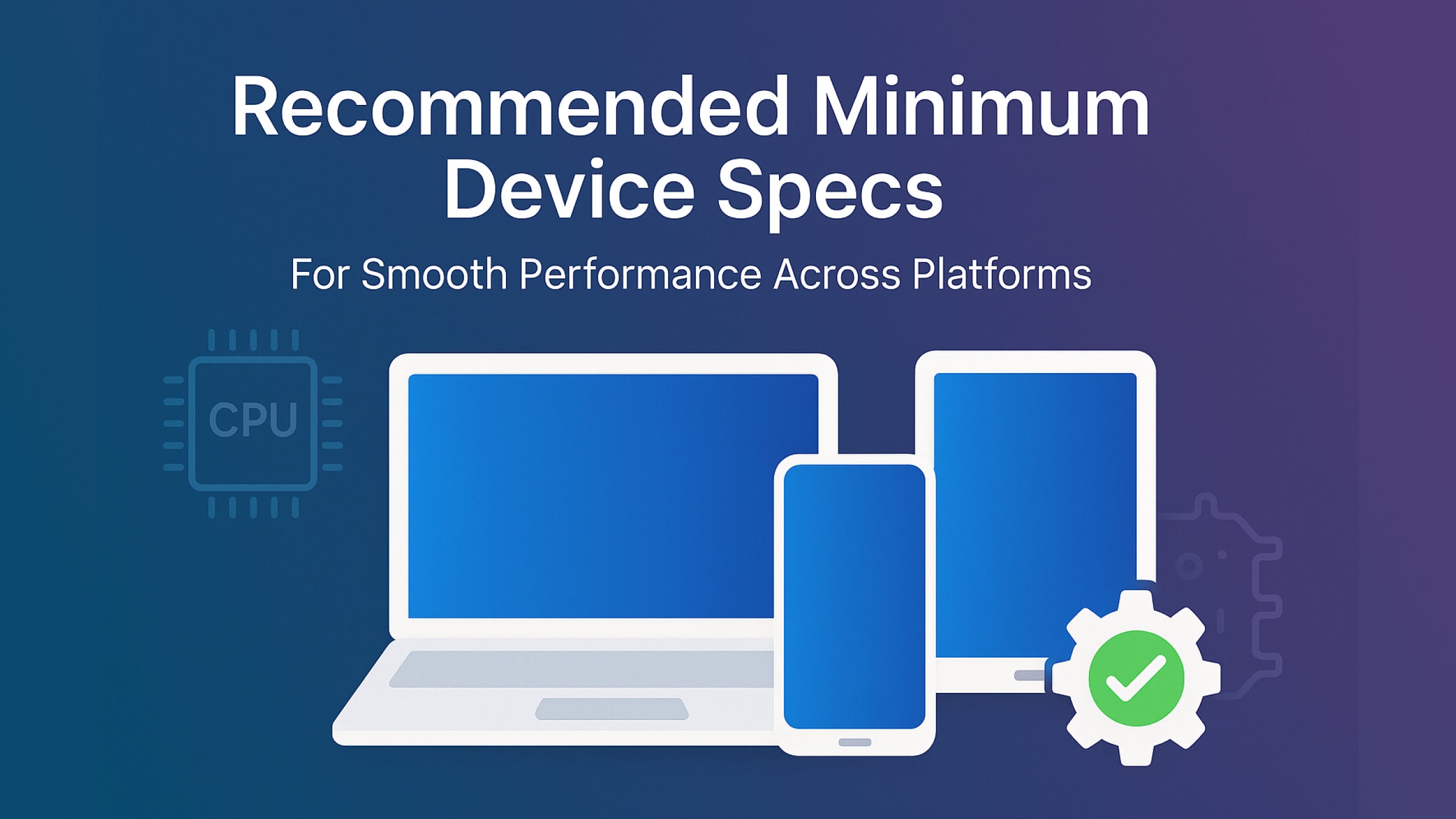
建議的最低設備規格
Live4Well 應用程式相容於各種裝置和作業系統。對於 iOS 用戶,它需要 iOS 12 系統,並且可在 iPhone 上使用。
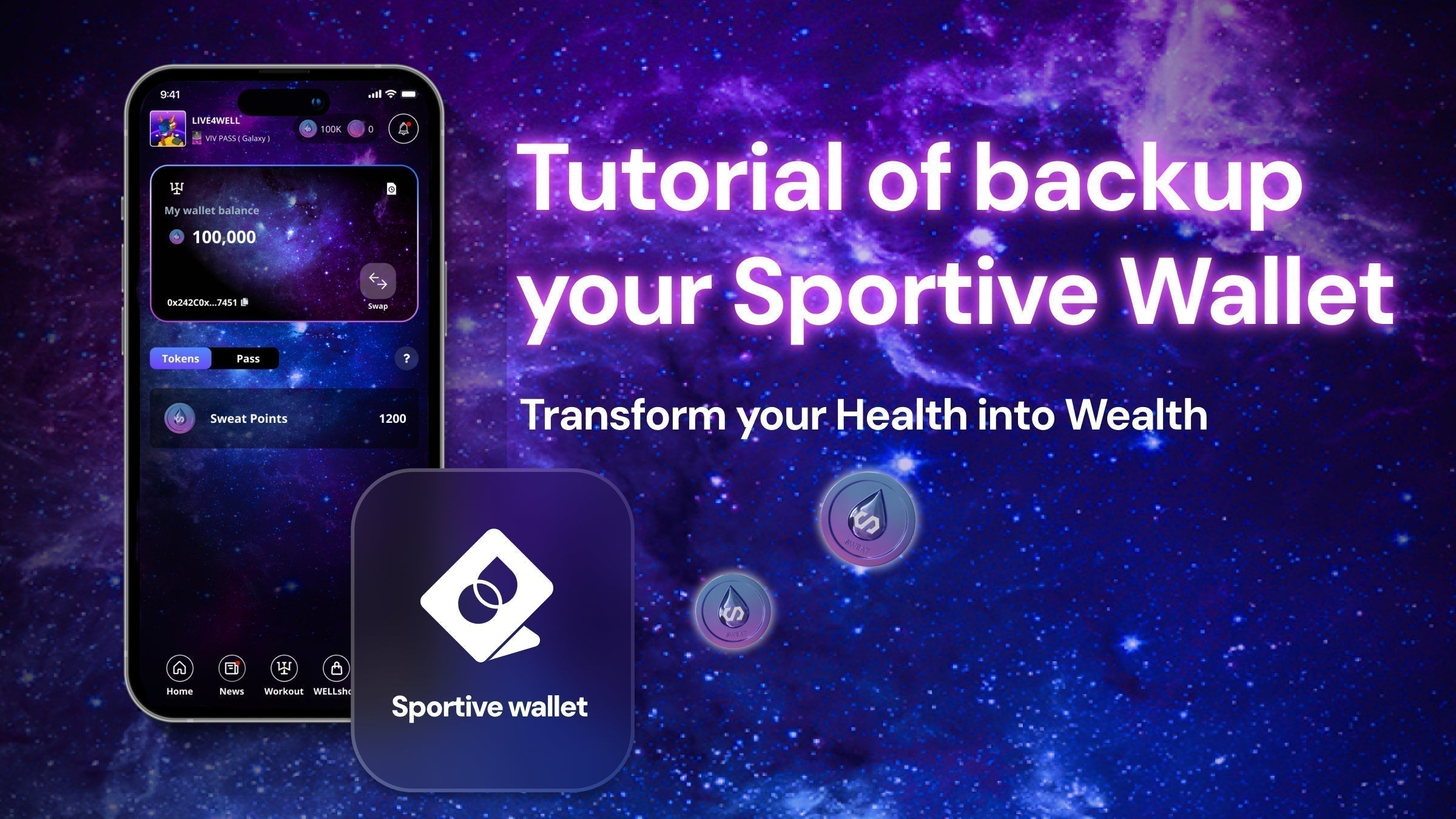
備份密語教程
我們正在不斷發展壯大。新版本即將升級。在此之前,建議您備份您的密碼。
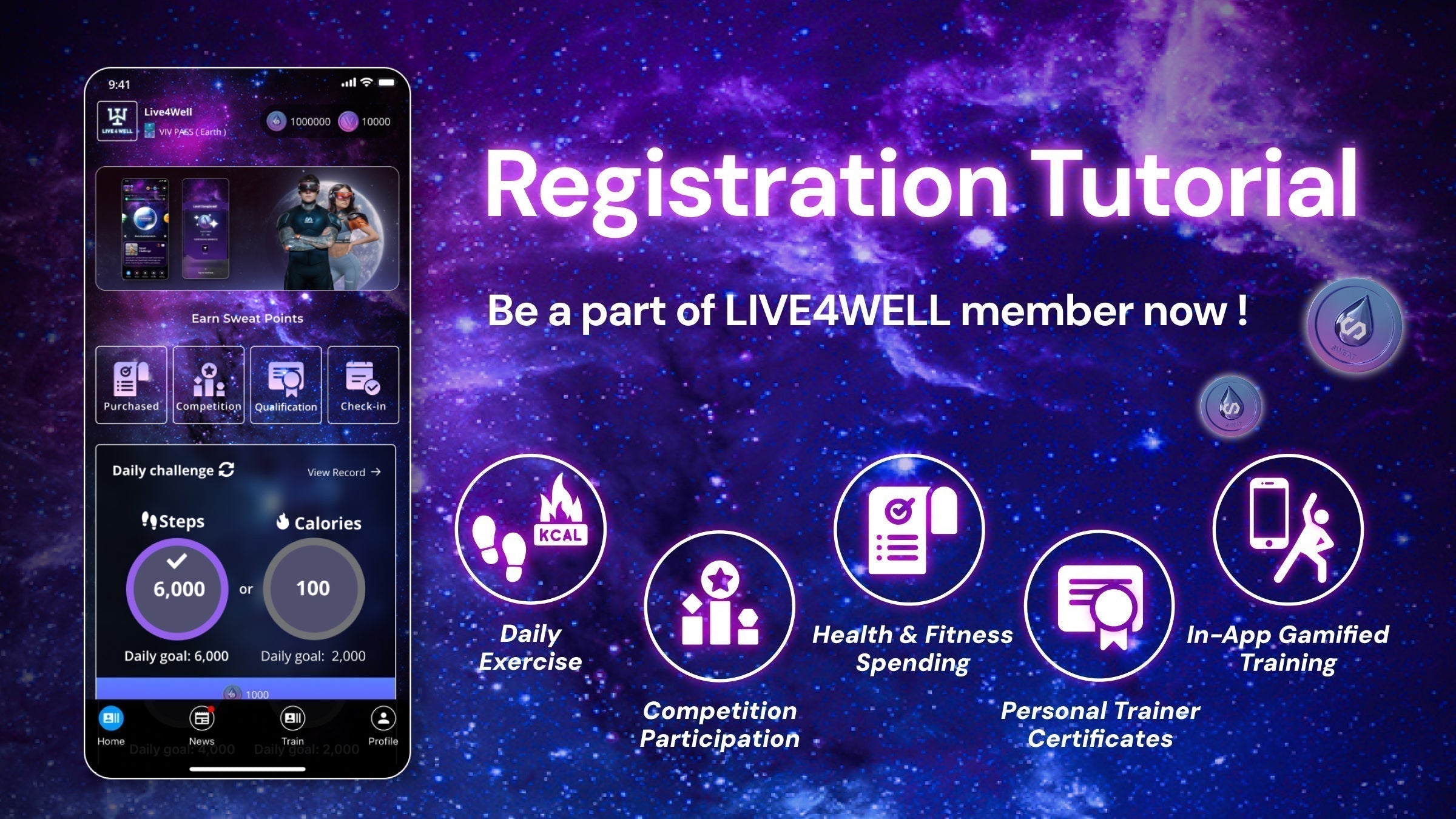
註冊教學課程
要完成您的電子郵件註冊,請確保您在用於註冊的同一部手機上打開電子郵件中的鏈接,因為這是激活您的帳戶所必需的。